Nirit





 Overview
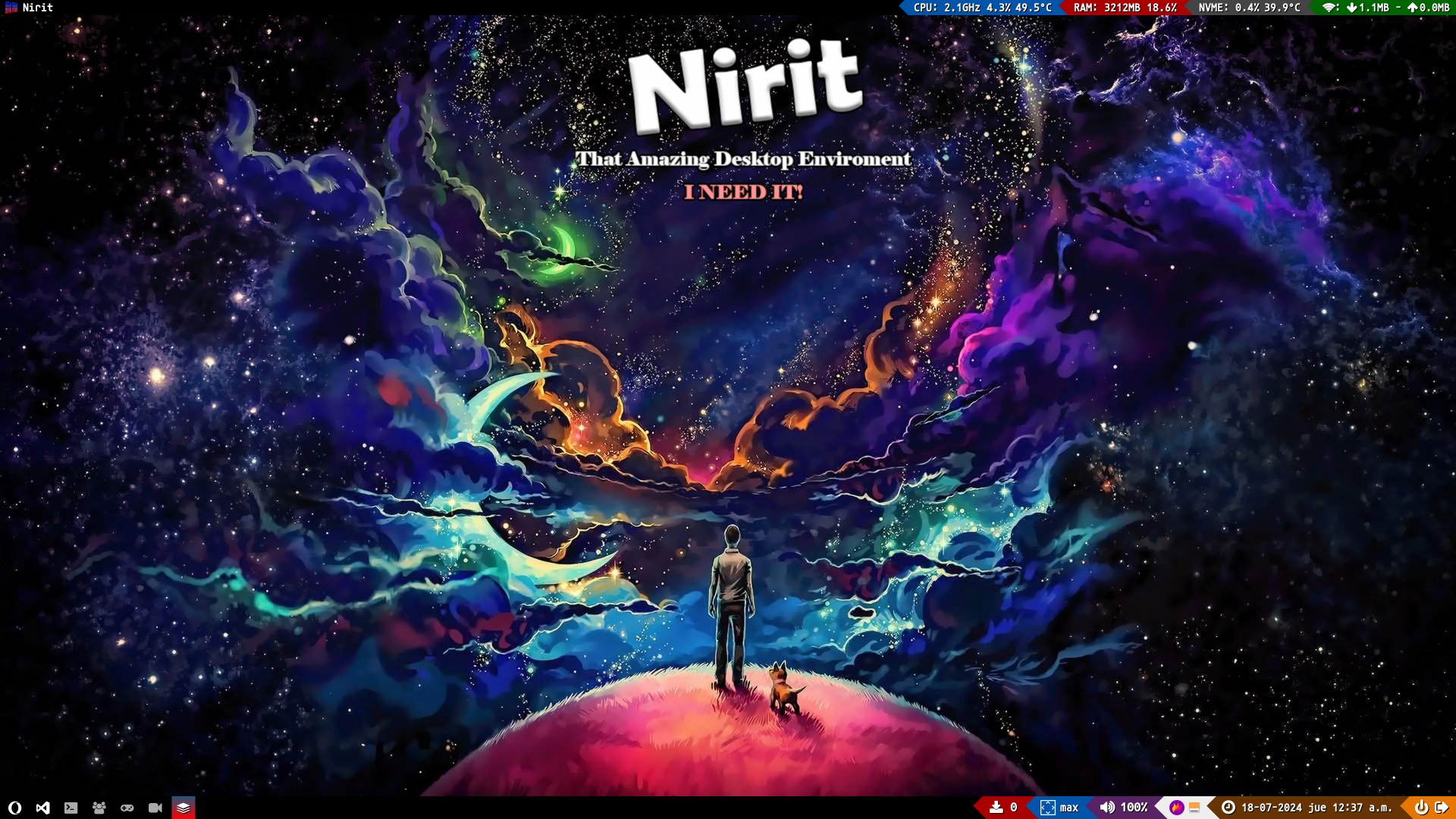
Nirit is a desktop environment for GNU/Linux distributions focused on Tiling Windows Management, minimal installed packages and maximum customization
 License
This project is licensed under a GNU General Public License v3.0.
If you want to know about this license, click here
 Stack
Stack
| Tech | Description | Used for |
|---|---|---|
 | Unix shell scripting language for command line tasks | Nirit Installer Script |
| High-level programming language for versatile, readable code. | Qtile Settings Script |
 Compatibility
Nirit currently works on the following GNU/Linux distributions:
 Getting Started
NoteFirst of All, I Recommend to do a clean Installation to avoid conflicts with packages
 Using Debian
NoteI recommend that in the installation, in the part where you can install a desktop environment, you only choose to install the standard system utilities
TipAfter reboot the system, enter as root to install sudo. To install the program sudo do:
apt install sudo
gpasswd -a <your_user> sudo
exit
 Use
Use
Here will explain to you how to use this project
 Installation
First, to use the Nirit Installer, you need to install git
 Distributions
Here will show how to install the dependencies in the different distros that support Nirit
Using Debian
sudo apt install git
 Clone Repository
Later, you will clone this repository:
git clone https://github.com/sh4dow18/nirit.git
Now, go to "nirit" folder:
cd nirit/
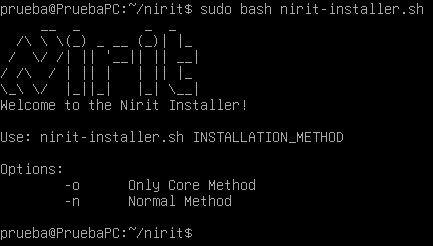
Finally, to execute the installer, put:
sudo bash nirit-installer.sh
 Screenshots
Installer
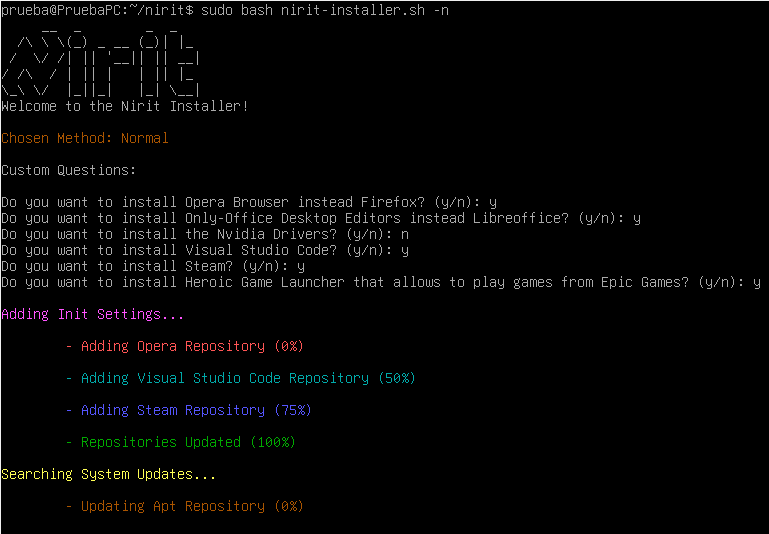
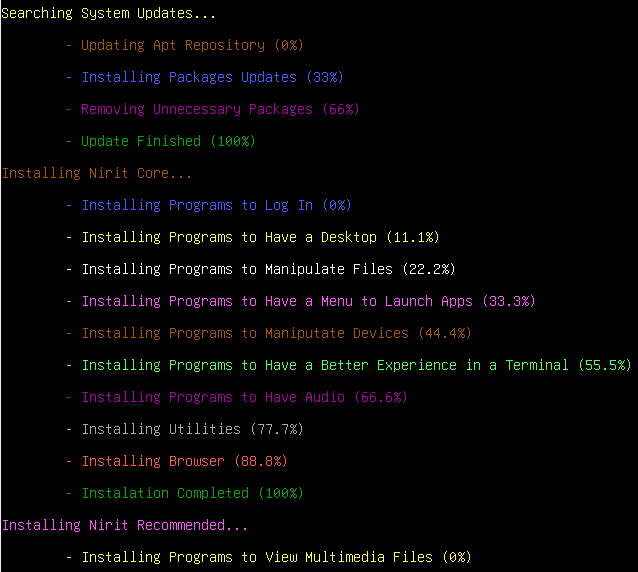
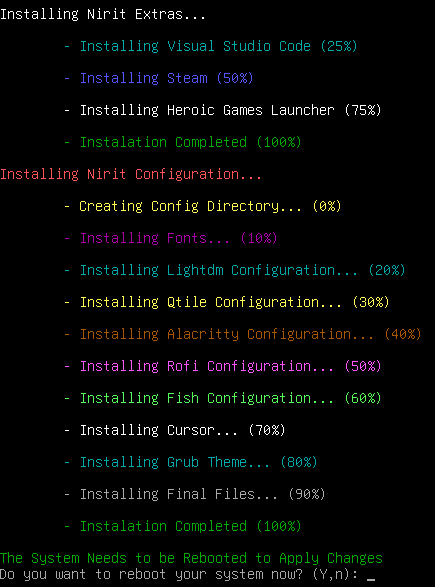
Here will show screenshots of the Nirit Installer Script working
Help
Installing (Normal Mode)
Installed
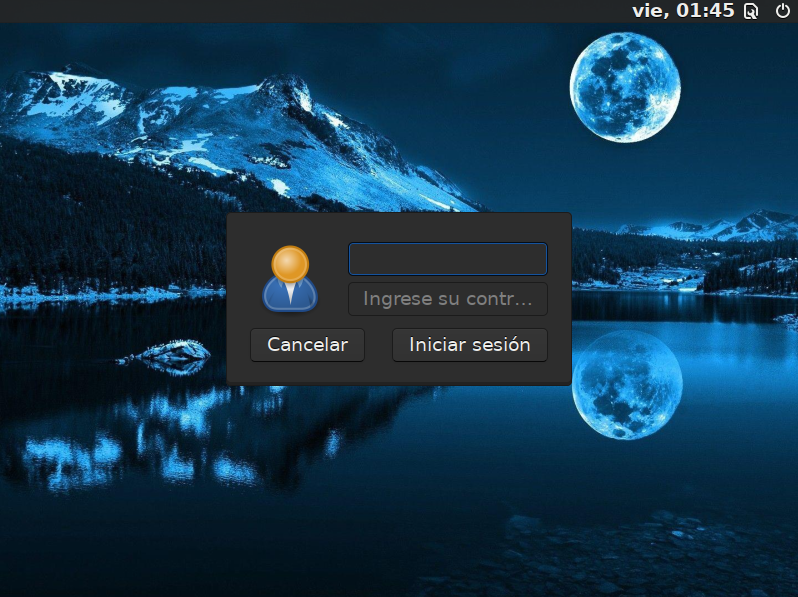
Here will show screenshots when Nirit was successfully installed
Login
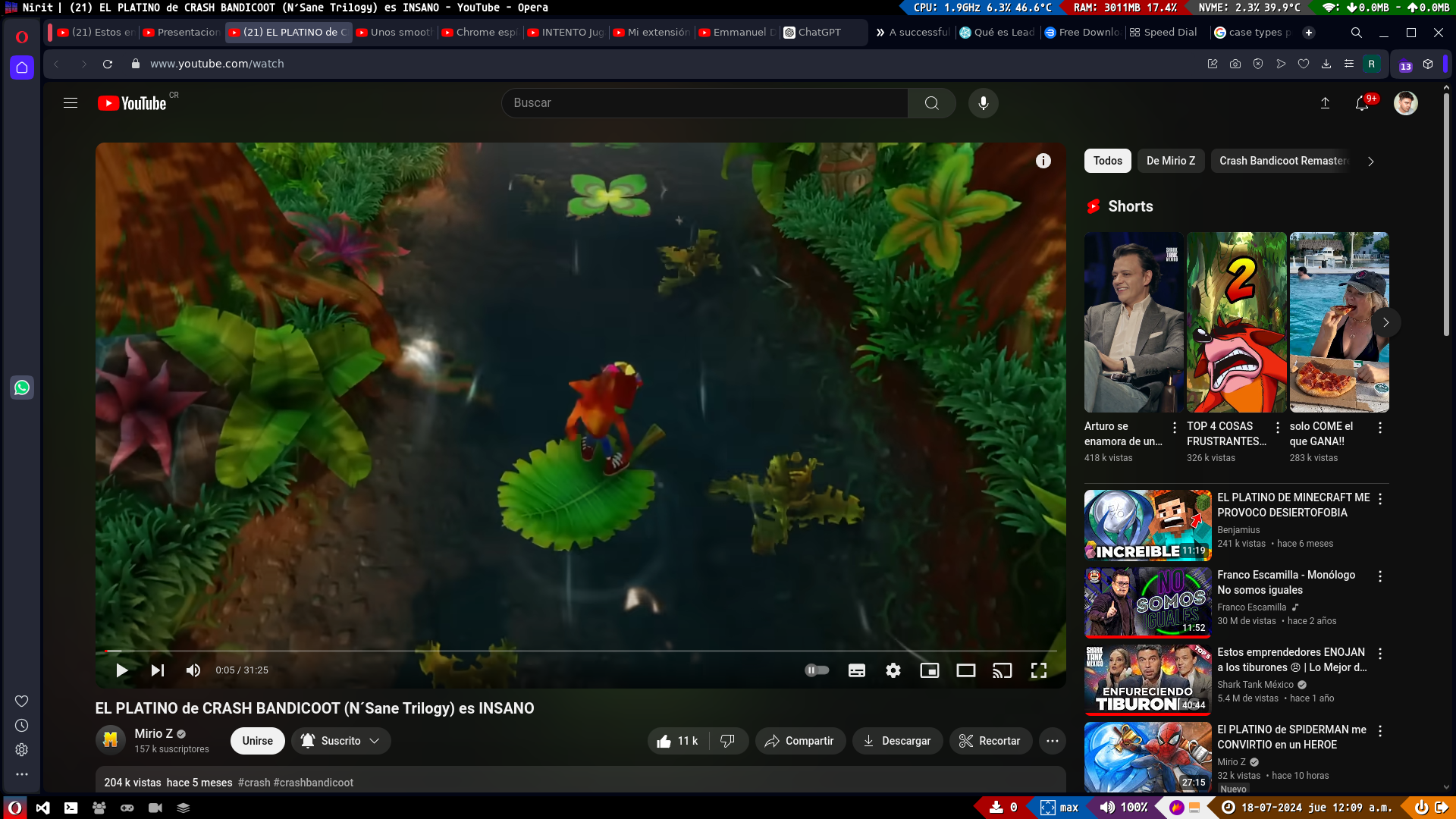
Browsers
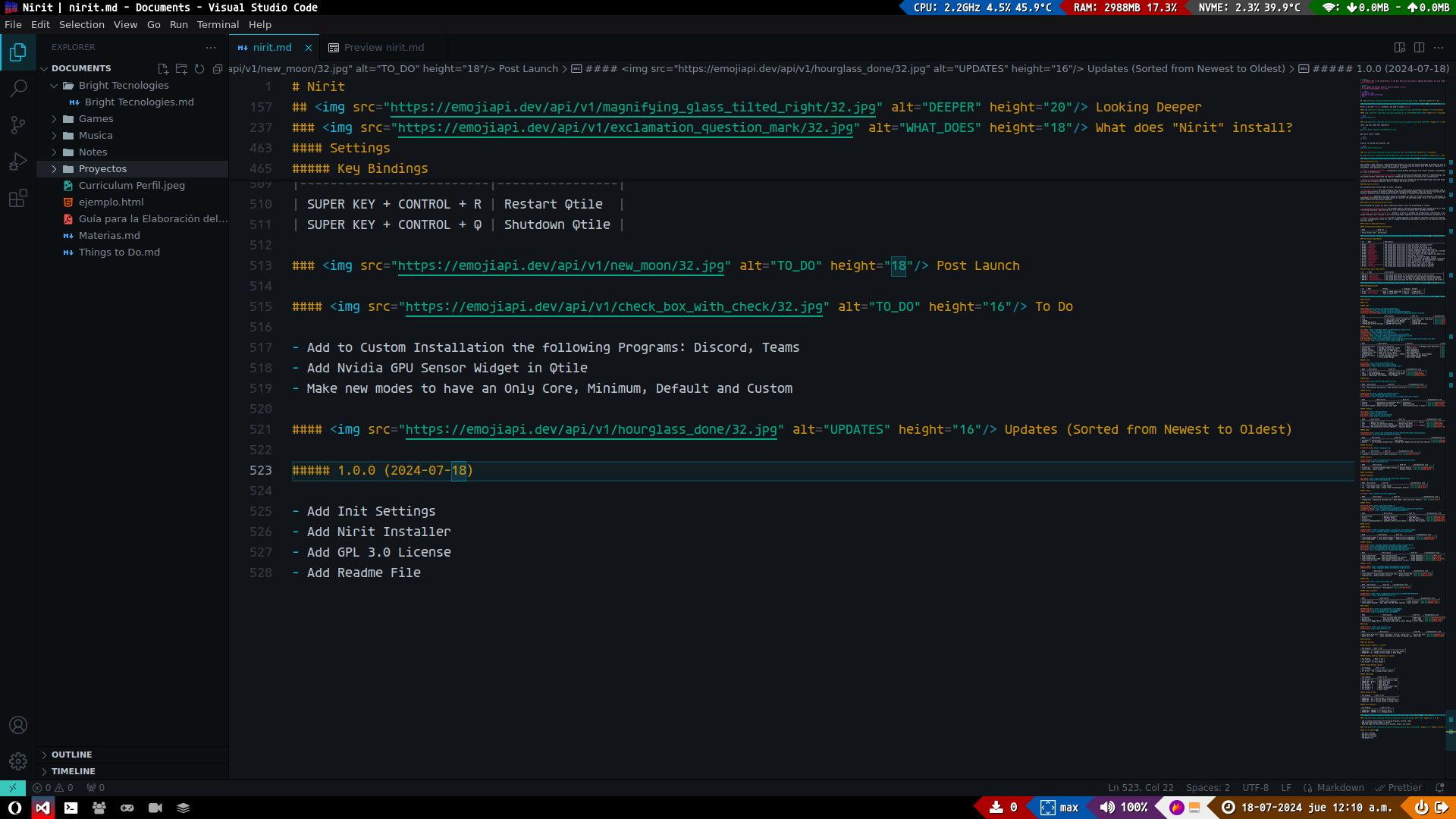
IDEs
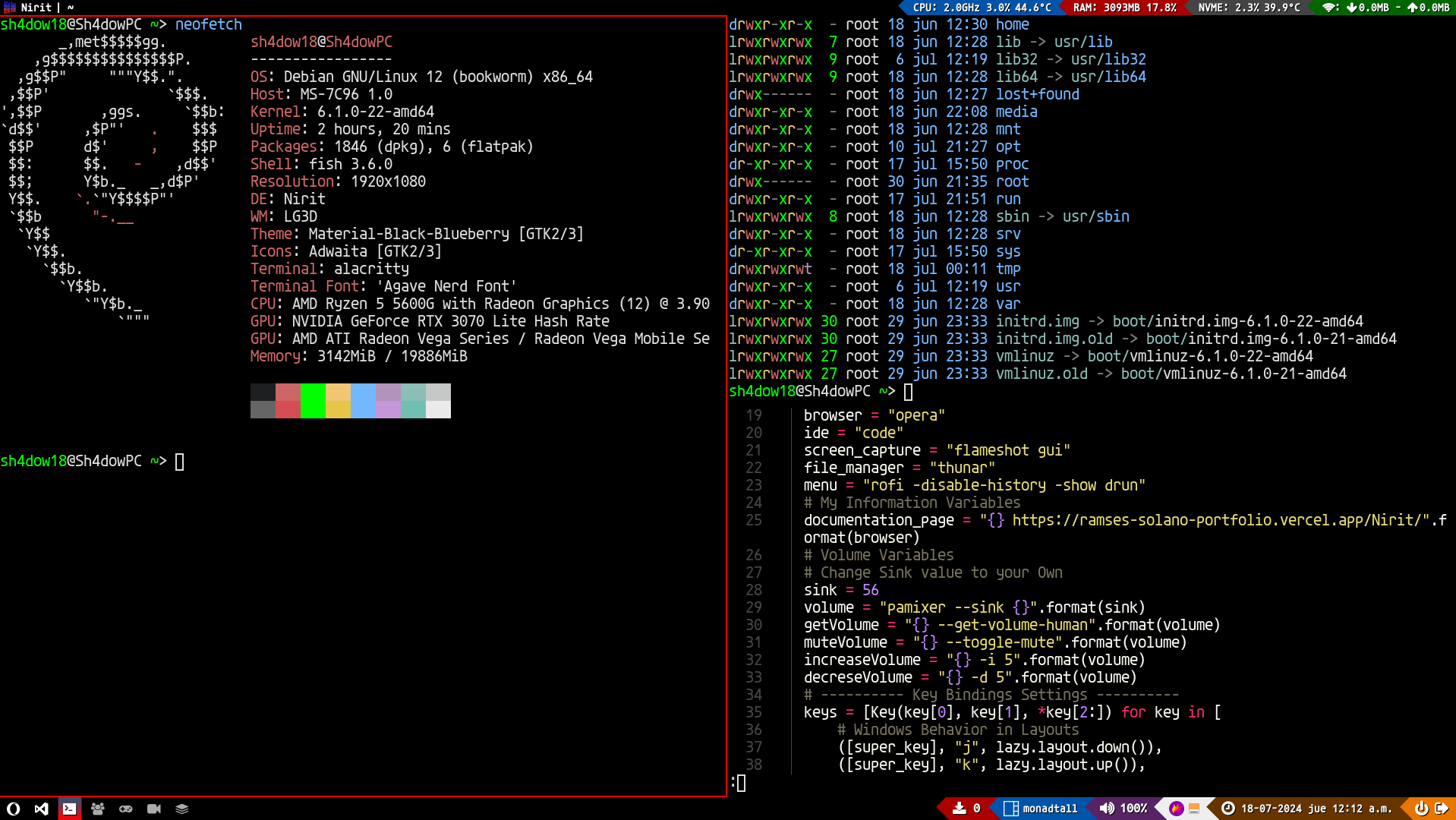
Terminal
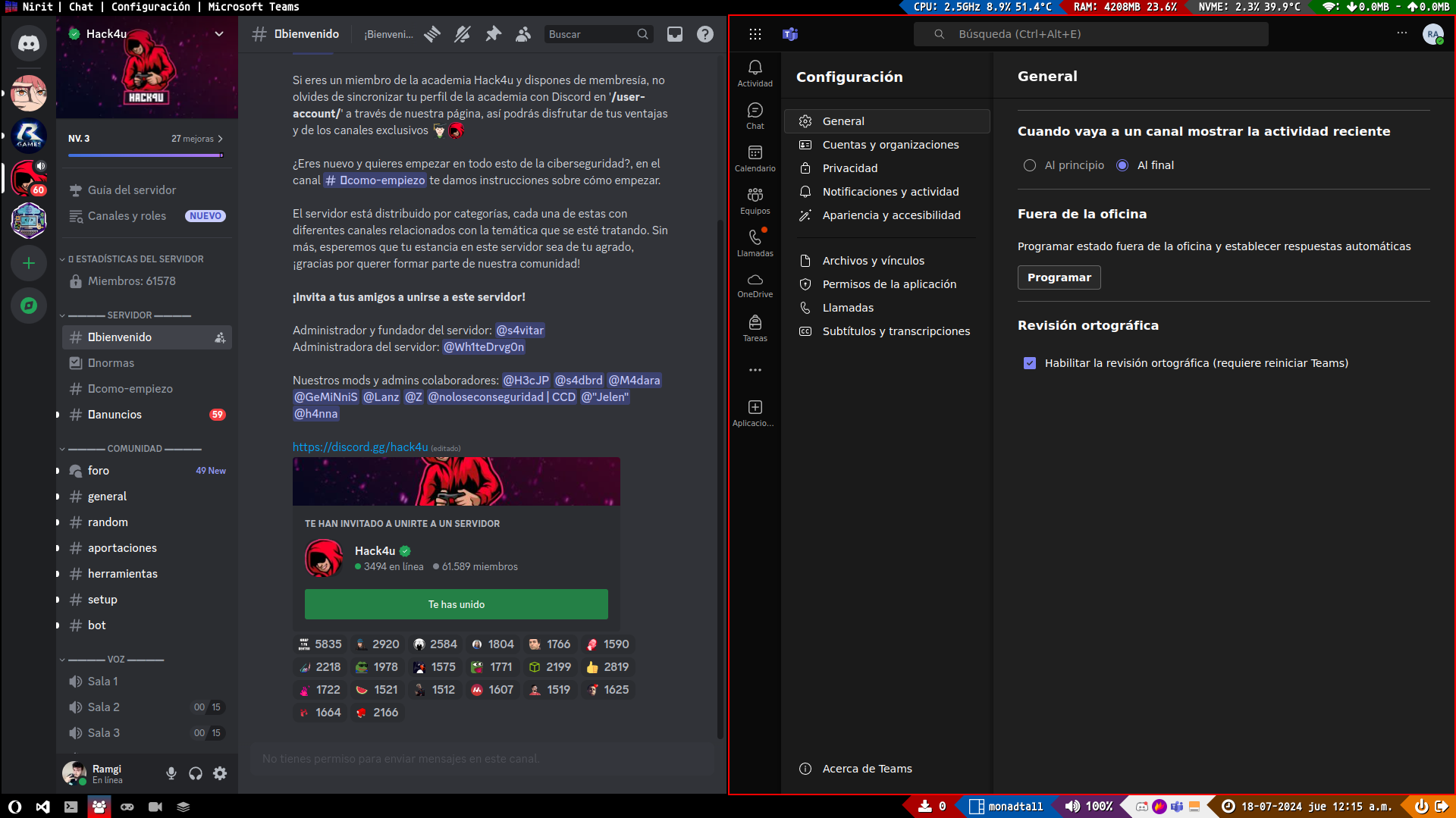
Calls
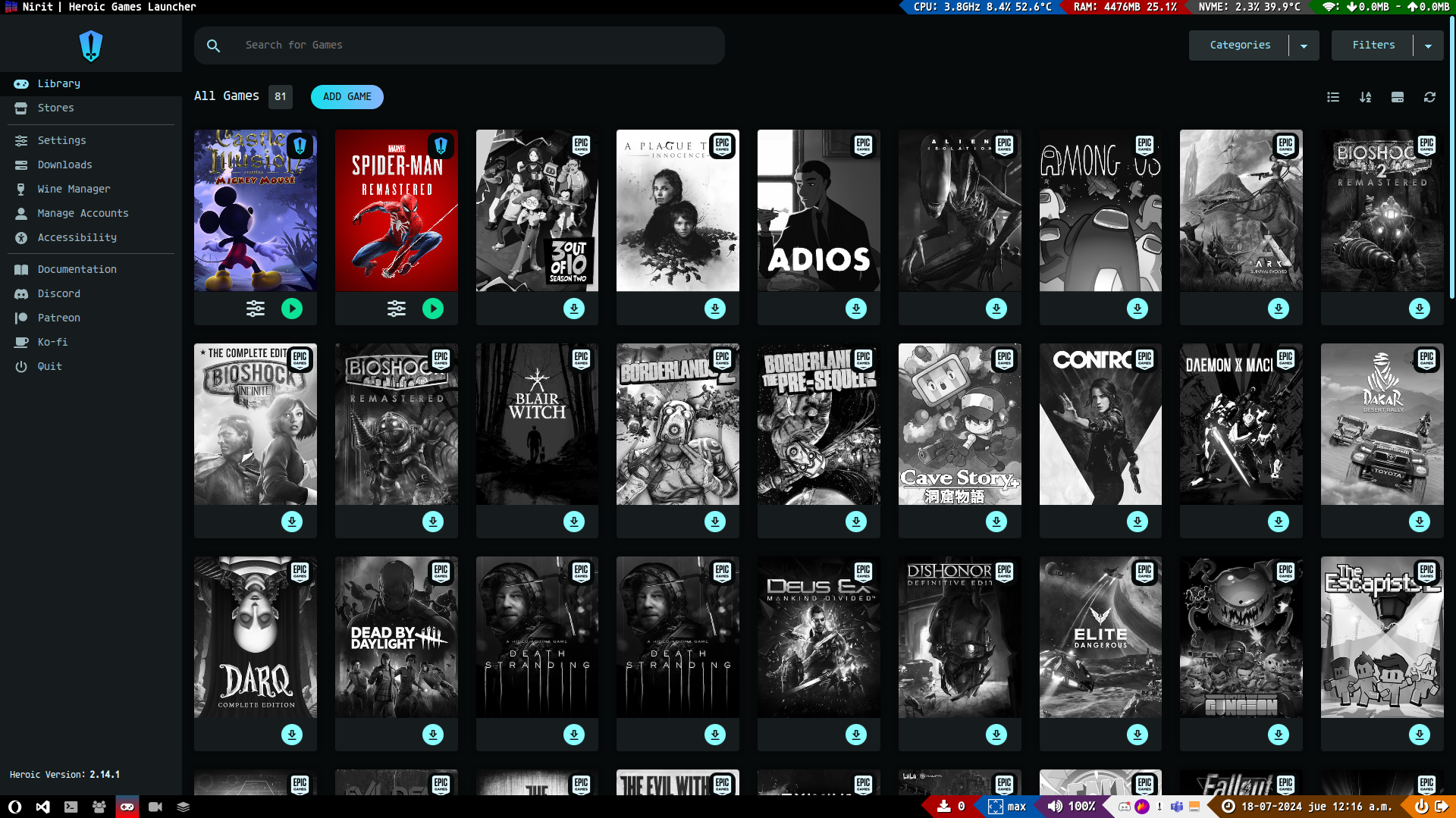
Games
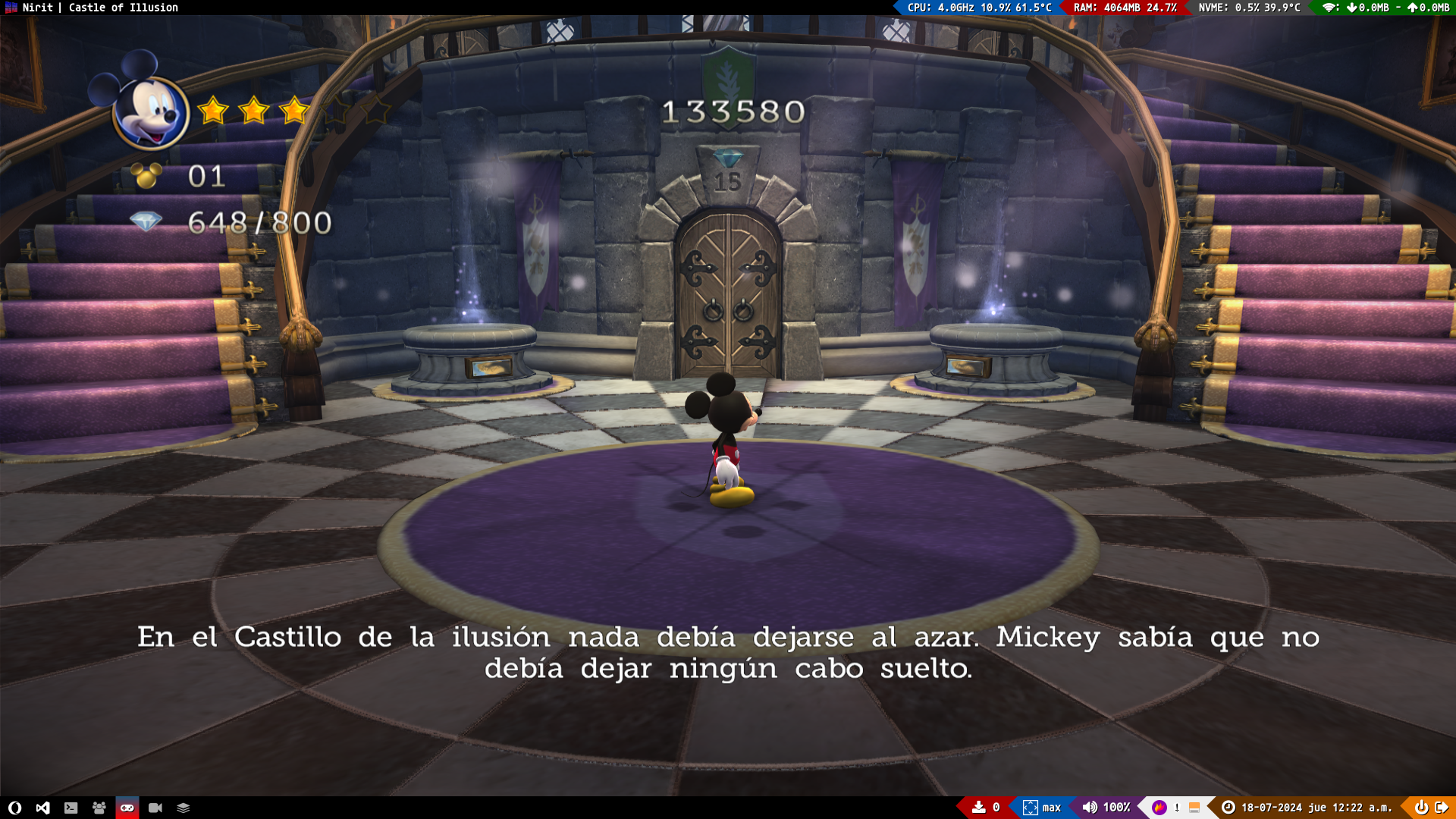
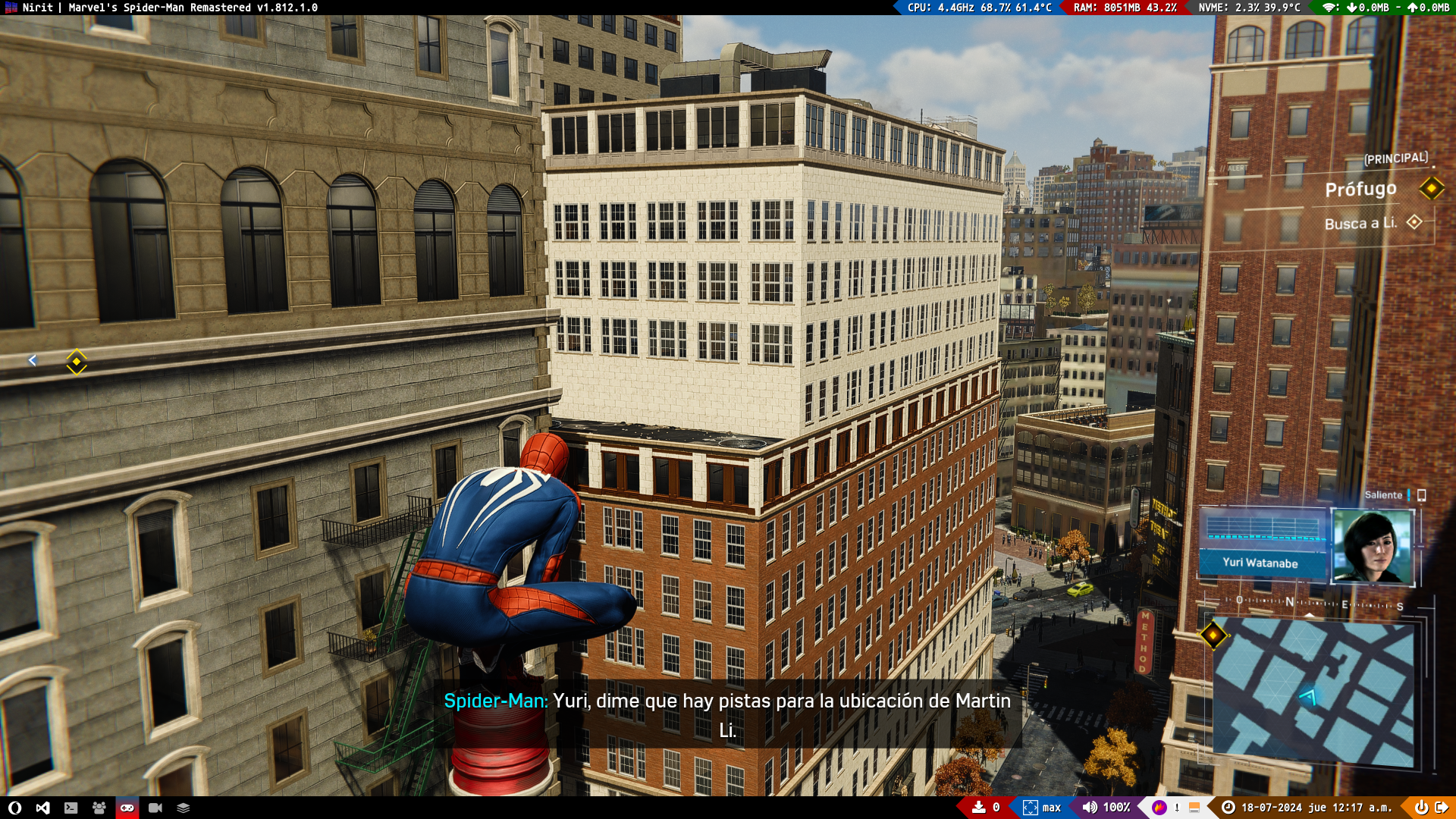
Video
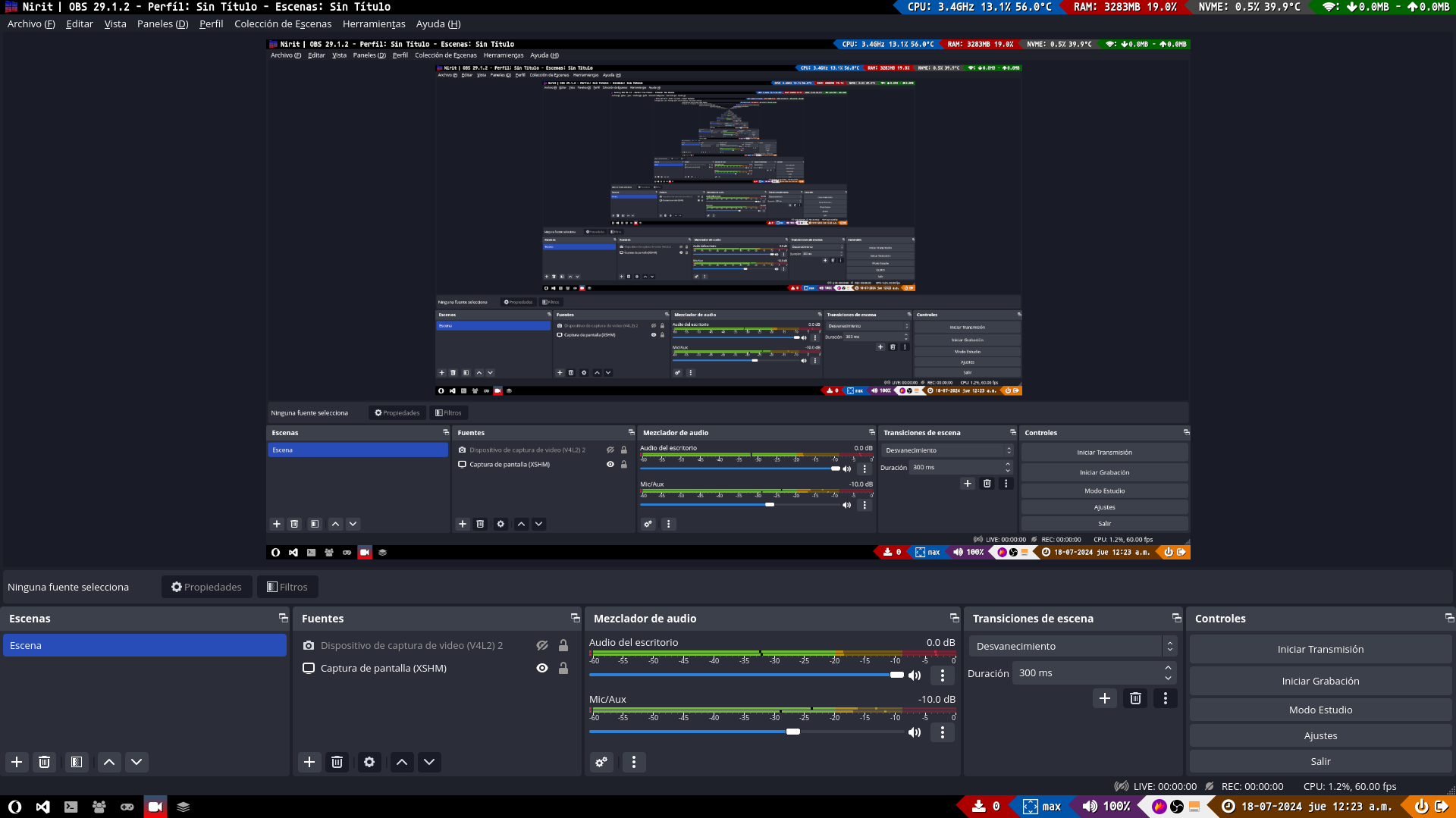
Misc
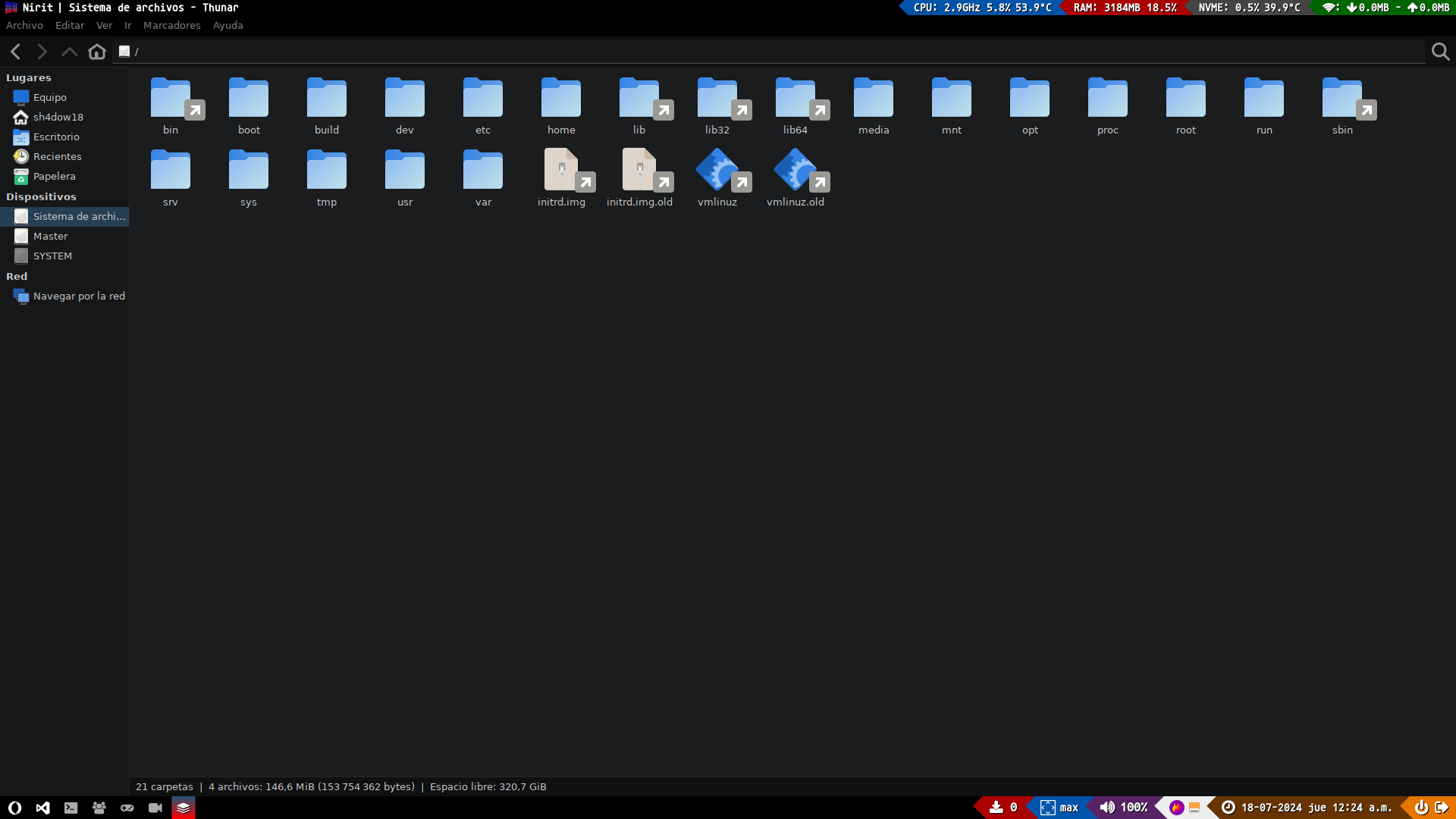
 Looking Deeper
Do you Want to Know More? Keep Reading :D
 Vision
Here the Project Vision will be explained, which shows why it was created
NoteThis Vision was created using my knowledge in Scrum
Problem Definition
The problem is that creating a custom desktop environment for Linux by installing package by package can take hours, up to 10 hours. In the case of a system failure or wanting to clean up by reinstalling the system, even more time is required to redo the custom desktop environment. This generates several inconveniences, including:
-
Loss of time and efficiency: Configuring a custom desktop environment from scratch consumes a considerable amount of time, resulting in a loss of productivity.
-
Difficulty in replicating the environment: When reinstalling the operating system or troubleshooting, replicating the exact desktop environment becomes complicated and requires remembering and manually reconfiguring all customizations.
-
Lack of automation: Not having an automated process for configuring the environment means that each adjustment and package must be installed and configured manually, which is tedious and prone to errors.
Who Does It Affect?
This problem affects several types of users, including:
-
Individual users: Users who configure their own custom desktop environments are the most affected. They experience a considerable loss of time and effort in manually installing and configuring each package, which can lead to frustration and disruption in their workflow, especially when facing system failures or deciding to reinstall the operating system.
-
Developers: Developers who need a specific environment for their work suffer from having to spend hours configuring their development environment each time they install or reinstall the operating system. This is not only an inefficient use of time but can also affect productivity and project deadlines.
Impact of Not Undertaking the Project
Not developing the project can have a significant impact, which can be mentioned as follows:
-
Frustration and demotivation: The constant need to replicate configurations after system failures or reinstalls can result in a frustrating experience, demotivating users from continuing to customize their desktop environment.
-
Frequent interruptions in workflow: Without a solution to automate the configuration, interruptions in workflow due to operating system reinstalls will continue to be a recurring problem, negatively affecting the continuity and quality of users' work.
-
Risk of losing customizations: In case of system failures or the need for reinstalls, users will continue to face the risk of losing all their customizations, which can lead to a negative experience and greater distrust in the stability and usability of the Linux operating system.
Technical Required Resources
Here will show what technical resources were necessary to create the project, ignoring the stack
Integrated Development Environments
| Name | Used for |
|---|---|
| Everything |
 Requirements
Here will show the Project Requirements
NoteThese Requirements were created using my knowledge in Scrum
Functional Requirements
| Id | Name | Description |
|---|---|---|
| RF-01 | Login | The system must allow users to log into their existing accounts |
| RF-02 | Desktop | The system must allow users to have a desktop to work on |
| RF-03 | Files | The system must allow users to view and work with system files |
| RF-04 | Menus | The system must allow users to easily navigate between applications |
| RF-05 | Devices | The system must allow users to connect removable devices and view their information |
| RF-06 | Terminal | The system must allow users to work comfortably through a terminal |
| RF-07 | Audio | The system must allow users to listen to audio from the computer and adjust its volume |
| RF-08 | Utilities | The system must allow users to have basic utilities |
| RF-09 | Browsers | The system must allow users to browse the internet through a browser |
| RF-10 | Multimedia | The system must allow users to view or play their multimedia content if desired |
| RF-11 | Office | The system must allow users to work on documents and presentations if desired |
| RF-12 | Drivers | The system must allow users to have video drivers if desired |
| RF-13 | IDEs | The system must allow users to use IDEs to write code if desired |
| RF-14 | Games Launchers | The system must allow users to play video games easily if desired |
| RF-15 | Fonts | The system must allow users to have custom text fonts if desired |
Non-Functional Requirements
| Id | Name | Description |
|---|---|---|
| RNF-01 | Usability | The system must ensure it is intuitive and easy to use for users |
| RNF-02 | Security | The system must ensure the protection of data against unauthorized access |
| RNF-03 | Scalability | The system must ensure it can adapt and expand without losing performance |
| RNF-04 | Maintainability | The system must facilitate the task of maintaining and improving the system |
 Standarts
The mandatory formats to work on this project will be shown here
NoteThese Standarts were created using my knowledge in Scrum
Programming Format
| Id | Name | Format | Language | Example |
|---|---|---|---|---|
| ST-01 | Variables | Name in UPPER_SNAKE_CASE | English | $LIGHT_BLUE |
| ST-02 | Functions | Name in snake_case | English | progress_status |
 What does "Nirit" install?
Here will explain what Nirit does on installation, from Nirit Core to custom settings.
Software
First, the software needed to create Nirit
Core
In this part, will explain the Core Programs that allow to Nirit work well
Login
| Name | Description | Used For | Documentation Link |
|---|---|---|---|
| xorg | X.Org Graphic Server Package Set | Use Graphic User Interfaces | See Docs |
| lightdm | Lightweight Screen Manager | Login Screen | See Docs |
| lightdm-gtk-greeter | LightDM Graphic Interface | LightDM GUI | See Docs |
| lightdm-gtk-greeter-settings | LightDM GTK+ Settings | LightDM GUI Settings | See Docs |
Desktop
| Name | Description | Used For | Documentation Link |
|---|---|---|---|
| x11-xserver-utils | X11 Server Utilities | Have Xrandr to Manage Screen Resolution | See Docs |
| python3-pip | Package Installer for Python | Install Qtile | See Docs |
| python3-xcffib | XCB Python Implementation | Qtile Dependency | See Docs |
| python3-cairocffi | Python Cairo's CFFI Interface | Qtile Dependency | See Docs |
| libpangocairo-1.0-0 | Pango with Cairo Library | Qtile Dependency | See Docs |
| python3-psutil | Process and System Utils in Python | CPU, Memory and Net Qtile Widgets | See Docs |
| apt-show-versions | Show APT Packages Versions | Check Updates Qtile Widgets | See Docs |
| qtile | Tiling Window Manager | Main Window Manager | See Docs |
Files
| Name | Description | Used For | Documentation Link |
|---|---|---|---|
| zip | File Compressor | Compress files in Zip | See Docs |
| unzip | Zip File Decompressor | Decompress Zip Files | See Docs |
| thunar | Lightweight File Manager | File Manager | See Docs |
Menus
| Name | Description | Used For | Documentation Link |
|---|---|---|---|
| rofi | App Launcher and Selector | App Launcher and Selector | See Docs |
Devices
| Name | Description | Used For | Documentation Link |
|---|---|---|---|
| udiskie | Automounter for Removable Media | Automounter | See Docs |
| ntfs-3g | Read/Write NTFS Driver | Read NTFS Disks | See Docs |
| policykit-1-gnome | Gnome PolicyKit Auth Agent | Allow Mounting Disks in Thunar | See Docs |
Terminal
| Name | Description | Used For | Documentation Link |
|---|---|---|---|
| exa | Modern File Lister | CLI File Lister as ls (alias) | See Docs |
| fish | Frendly and Interactive Shell | Default User Shell | See Docs |
| bat | Cat Clone with Sintax Highlighting | CLI File Reader as cat (alias) | See Docs |
| alacritty | GPU Accelerated Terminal Emulator | Terminal Emulator | See Docs |
Audio
| Name | Description | Used For | Documentation Link |
|---|---|---|---|
| pulseaudio | Sound Server | Have Audio | See Docs |
| pamixer | CLI PulseAudio Volume Driver | Volume Qtile Widget and Set-Sink Fish Function | See Docs |
Utilities
| Name | Description | Used For | Documentation Link |
|---|---|---|---|
| flameshot | Screenshot Tool | Make Screenshots | See Docs |
Browsers
| Name | Description | Used For | Documentation Link |
|---|---|---|---|
| firefox-esr | Firefox Extended Support Version | Default Browser | See Docs |
| opera-stable | Opera Browser | Optional Browser | See Docs |
Recommended
Also exists the recommended programs that Nirit can install, but these programs only would be installed in Normal Mode
Multimedia
| Name | Description | Used For | Documentation Link |
|---|---|---|---|
| vlc | Multimedia Player | Video Player | See Docs |
| feh | Fast Image Viewer | Image Viewer and Wallpaper Selector | See Docs |
Themes
| Name | Description | Used For | Documentation Link |
|---|---|---|---|
| lxappearance | Appearance Settings Tool | Main Theme, Icons and Cursor Selector | See Docs |
Office
| Name | Description | Used For | Documentation Link |
|---|---|---|---|
| qalculate-gtk | Advance Calculator | Calculator | See Docs |
| evince | Document Viewer | View PDF Files | See Docs |
| libreoffice | Free Office Suite | Default Office Suite | See Docs |
| onlyoffice-desktop-editors | OnlyOffice Office Suite Editor | Optional Office Suite | See Docs |
Custom
Finally, here are custom programs that could be install optionally in Normal Mode
ImportantThese programs will only be installed if the user so wishes
Kernel
| Name | Description | Used For | Documentation Link |
|---|---|---|---|
| linux-headers-amd64 | Linux Kernel Headers | Nvidia Drivers Dependency | See Docs |
| linux-image-amd64 | Linux Kernel Images | Nvidia Drivers Dependency | See Docs |
Graphics
| Name | Description | Used For | Documentation Link |
|---|---|---|---|
| mesa-vulkan-drivers | Mesa Vulkan Drivers | Steam Dependency | See Docs |
| libglx-mesa0:i386 | Mesa GLX Implementation (32-Bit) | Steam Dependency | See Docs |
| mesa-vulkan-drivers:i386 | Mesa Vulkan Drivers (32-bit) | Steam Dependency | See Docs |
| libgl1-mesa-dri:i386 | Mesa OpenGL Implementation (32-bit) | Steam Dependency | See Docs |
Drivers
| Name | Description | Used For | Documentation Link |
|---|---|---|---|
| nvidia-detect | Nvidia Hardware Detection Tool | Detect Nvidia GPU | See Docs |
| nvidia-driver | Nvidia Graphics Drivers | Nvidia Drivers | See Docs |
IDEs
| Name | Description | Used For | Documentation Link |
|---|---|---|---|
| code | Source Code Editor | Programming | See Docs |
Games Launchers
| Name | Description | Used For | Documentation Link |
|---|---|---|---|
| steam-installer | Steam Client Installer | Steam Installer | See Docs |
| heroic-games-launcher | Epic Games and GOG Games Launcher | Games Launcher | See Docs |
Themes
| Name | Description | Used For | Documentation Link |
|---|---|---|---|
| Darkmatter | Dark polished GRUB theme | GRUB Theme | See Docs |
| Adwaita-dark | Gnome Dark Mode Theme | Main Theme | See Docs |
| ComixCursors-Opaque-White | X11 mouse theme with a comics feeling | Cursor Theme | See Docs |
Fonts
| Name | Description | Used For | Documentation Link |
|---|---|---|---|
| Ubuntu Mono Nerd Font | Small, monospace, outline, simple font | Qtile Bar Font | See Docs |
| Agave Nerd Font | Latin characters as a base for design font | Main Font | See Docs |
Settings
In this part, will explain the custom settings that Nirit install
Key Bindings
NoteThese Key Bindings Configurations are for Qtile
Windows Behavior in Layouts
| Key Binging | What it do? |
|---|---|
| SUPER KEY + J | Change Current Window to Previous Window |
| SUPER KEY + K | Change Current Window to Next Window |
Windows Behavior Regardless of Layouts
| Key Binging | What it do? |
|---|---|
| ALT GR KEY + W | Kill Window |
Change Between Layouts
| Key Binging | What it do? |
|---|---|
| ALT GR KEY + TAB | Change Between Layouts |
Spawn Apps
| Key Binging | What it do? |
|---|---|
| ALT GR KEY + F1 | Spawn Documentation Page |
| SUPER KEY + Return | Spawn Alacritty |
| SUPER KEY + M | Spawn Rofi Menu |
| ALT GR KEY + F | Spawn Browser |
| ALT GR KEY + C | Spawn Visual Studio Code |
| ALT GR KEY + S | Make a Screenshot |
| ALT GR KEY + T | Spawn Thunar |
Manage Volume
| Key Binging | What it do? |
|---|---|
| SUPER KEY + F9 | Mute Volume in Actual Sink |
| SUPER KEY + F10 | Decrese Volume in Actual Sink |
| SUPER KEY + F11 | Increse Volume in Actual Sink |
Qtile Behavior
| Key Binging | What it do? |
|---|---|
| SUPER KEY + CONTROL + R | Restart Qtile |
| SUPER KEY + CONTROL + Q | Shutdown Qtile |
Aliases
ImportantThese Aliases are CLI only, and only work with fish shell
| Name | Execute | What it does? |
|---|---|---|
| ls | exa --group-directories-first | Shows the System Files Prettier and directories first |
| cat | batcat | Shows the file prettier |
| tree | exa -T | Shows the system files as a Tree |
| update-system | sudo apt update && sudo apt upgrade -y && sudo apt autoremove | Updates the System Faster |
| install-program | sudo apt install | Installs a Program |
| poweroff-pc | systemctl poweroff | Shutdown the System |
| restart-pc | systemctl reboot | Reboot the System |
Functions
ImportantThese Functions are CLI only, and only work with fish shell
| Name | What it does? | Use |
|---|---|---|
| set-wallpaper | Set a Wallpaper for Qtile | set-wallpaper "Downloads/Mega Wallpaper.png" |
| set-sink | Change the Actual Sink for Volumen Qtile Widget | set-sink 3 |
| uninstall-program | Uninstall a Program and it configuration | uninstall-program firefox-esr |
| fix-opera | Fix Opera's Video Codecs with updated "libffmpeg.so" | fix-opera |
 Post Launch
Here the planned Post Launched will be shown
 To Do
To Do
- Add to Custom Installation the following Programs: Discord, Teams
- Add Nvidia GPU Sensor Widget in Qtile
- Make new modes to have an Only Core, Minimum, Default and Custom
 Updates (Sorted from Newest to Oldest)
1.0.0 (2024-07-19)
- Add Init Settings
- Add Nirit Installer
- Add GPL 3.0 License
- Add Readme File
- Add Nirit Documentation Page